Home
WEESOUND preset file guide
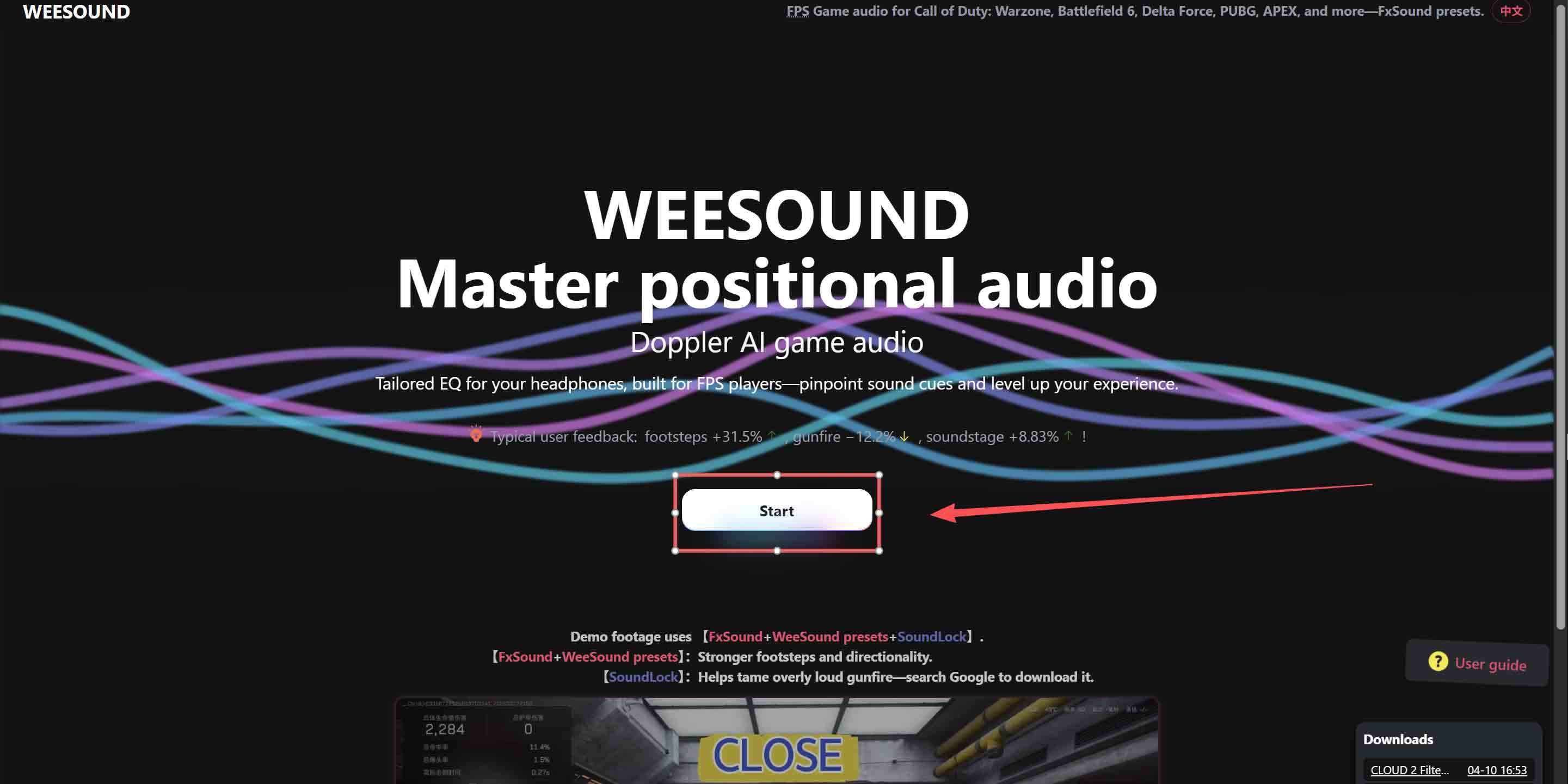
1. Visit WEESOUND (https://weesound.com/en/), click Start, and download the generated .fac file
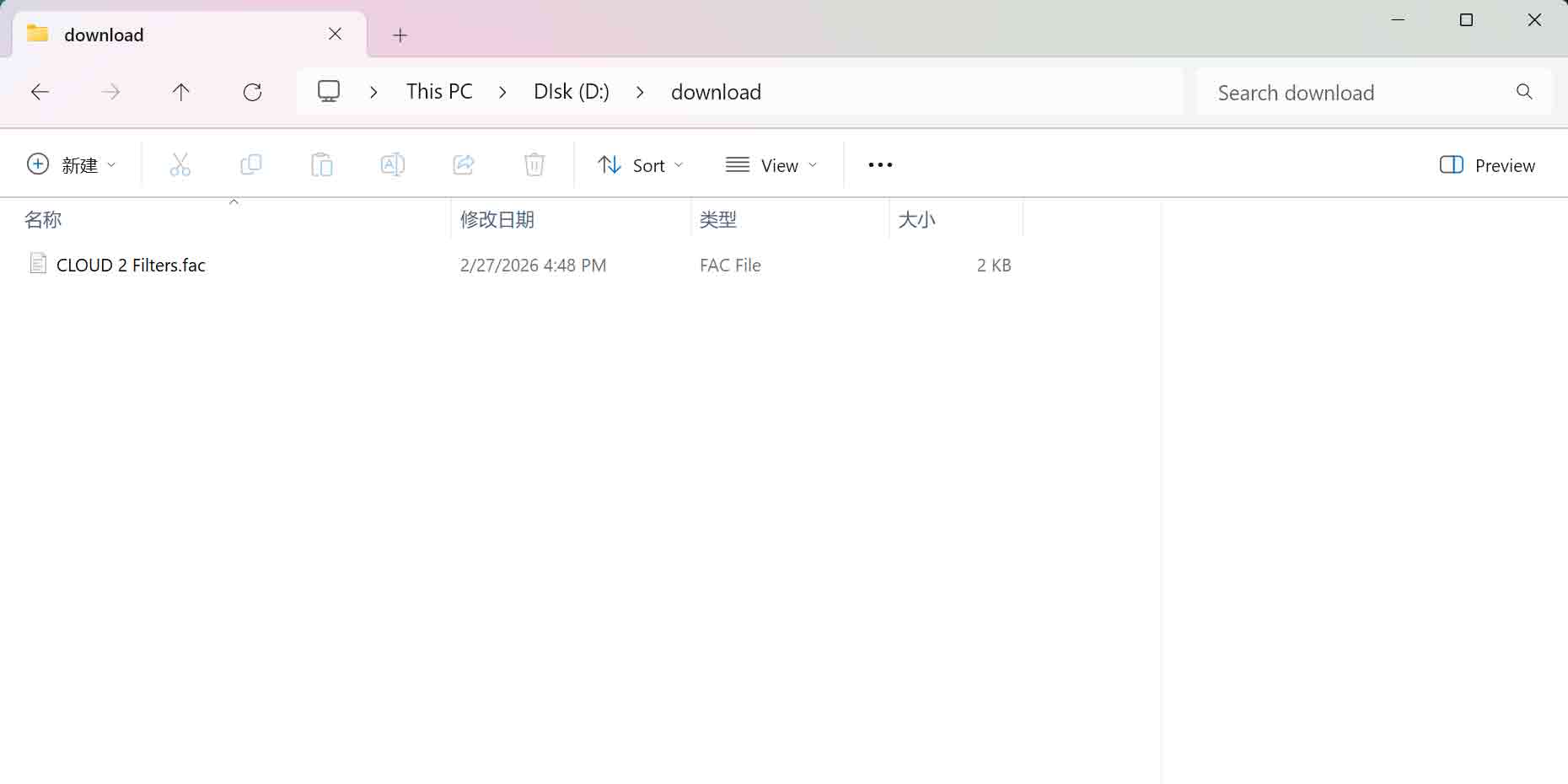
(Recommended folder: d:/download/)
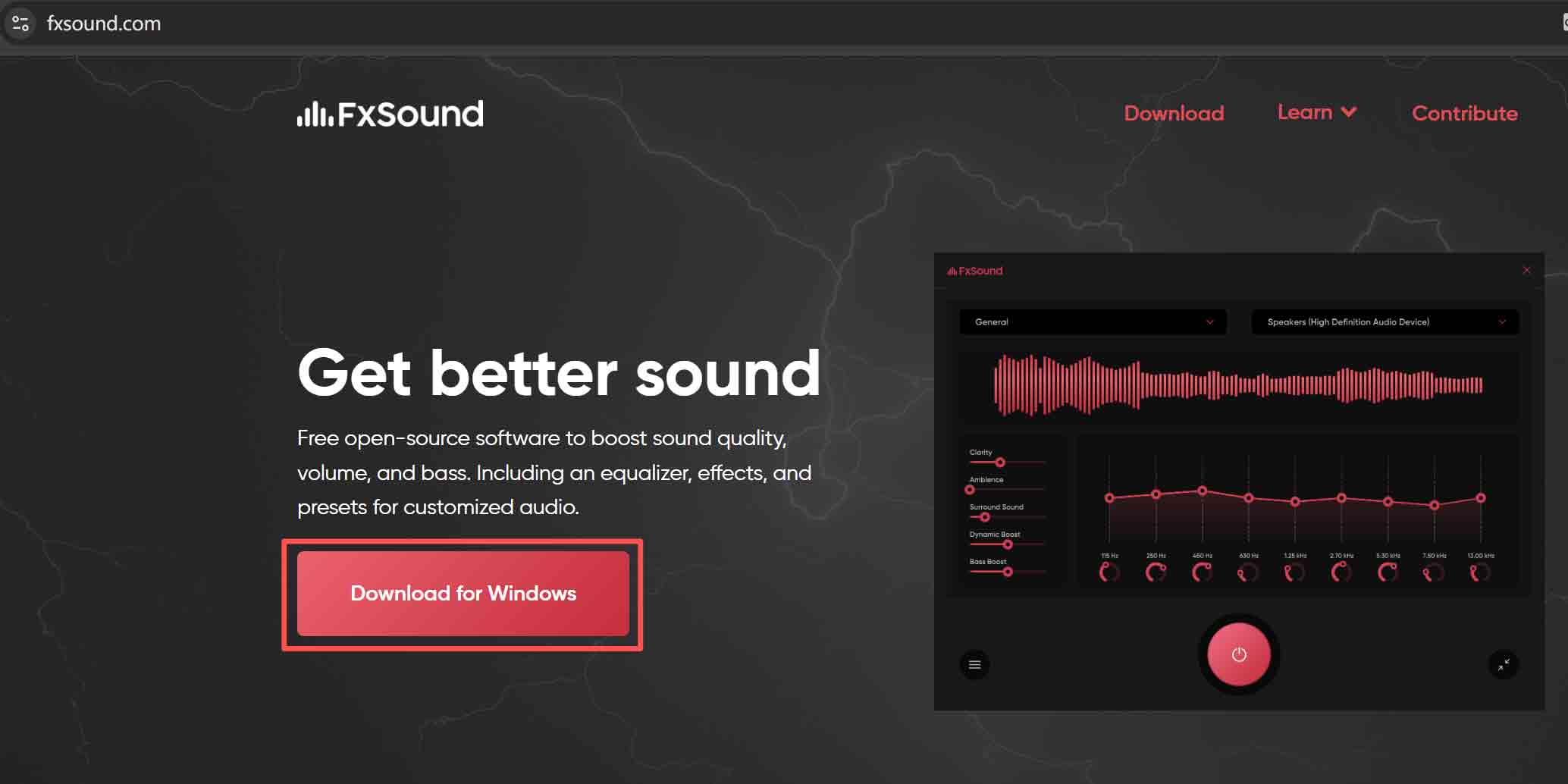
2. Click here , or visit FxSound website to download and install the latest FxSound
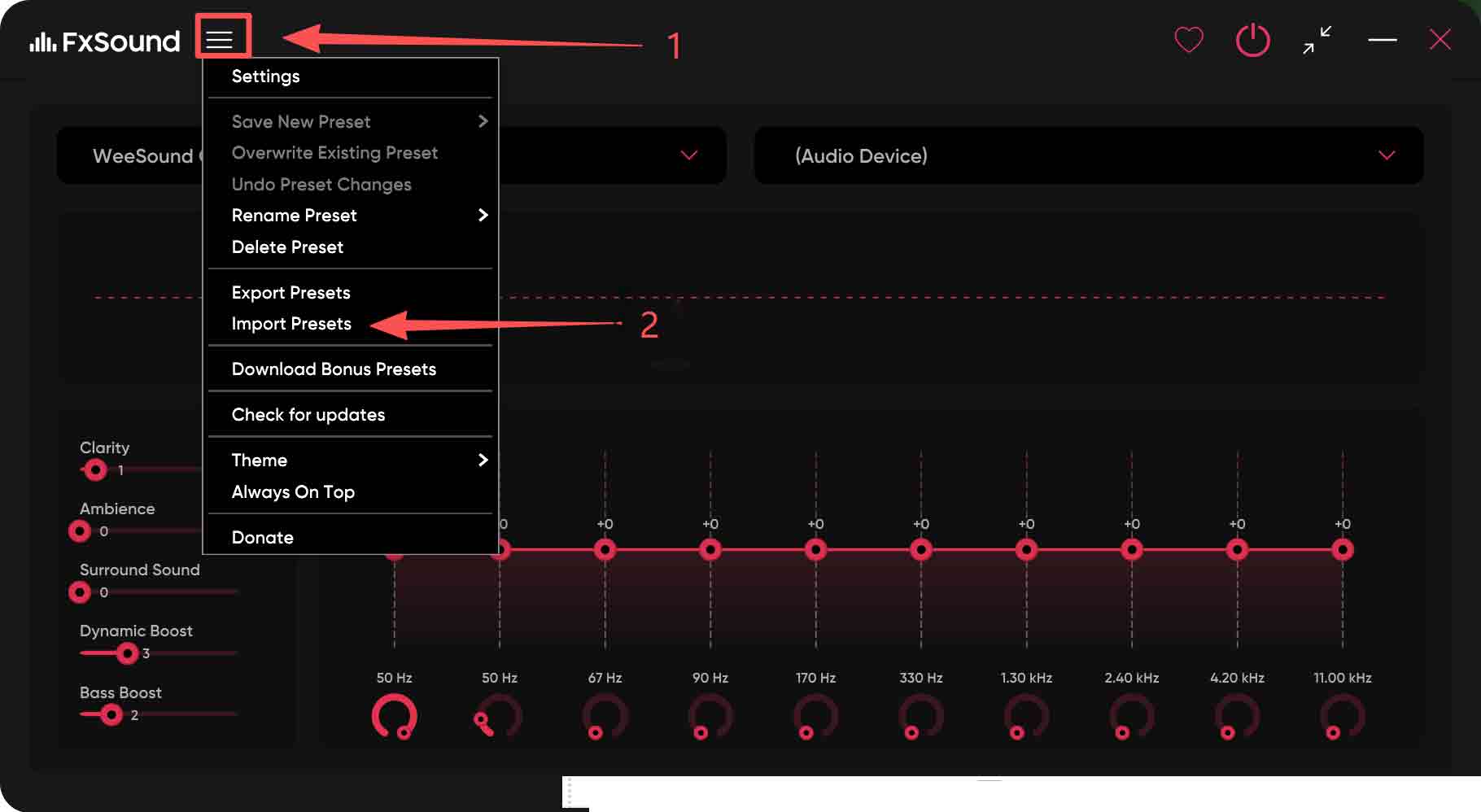
3. Open FxSound, go to Settings, and choose Import preset
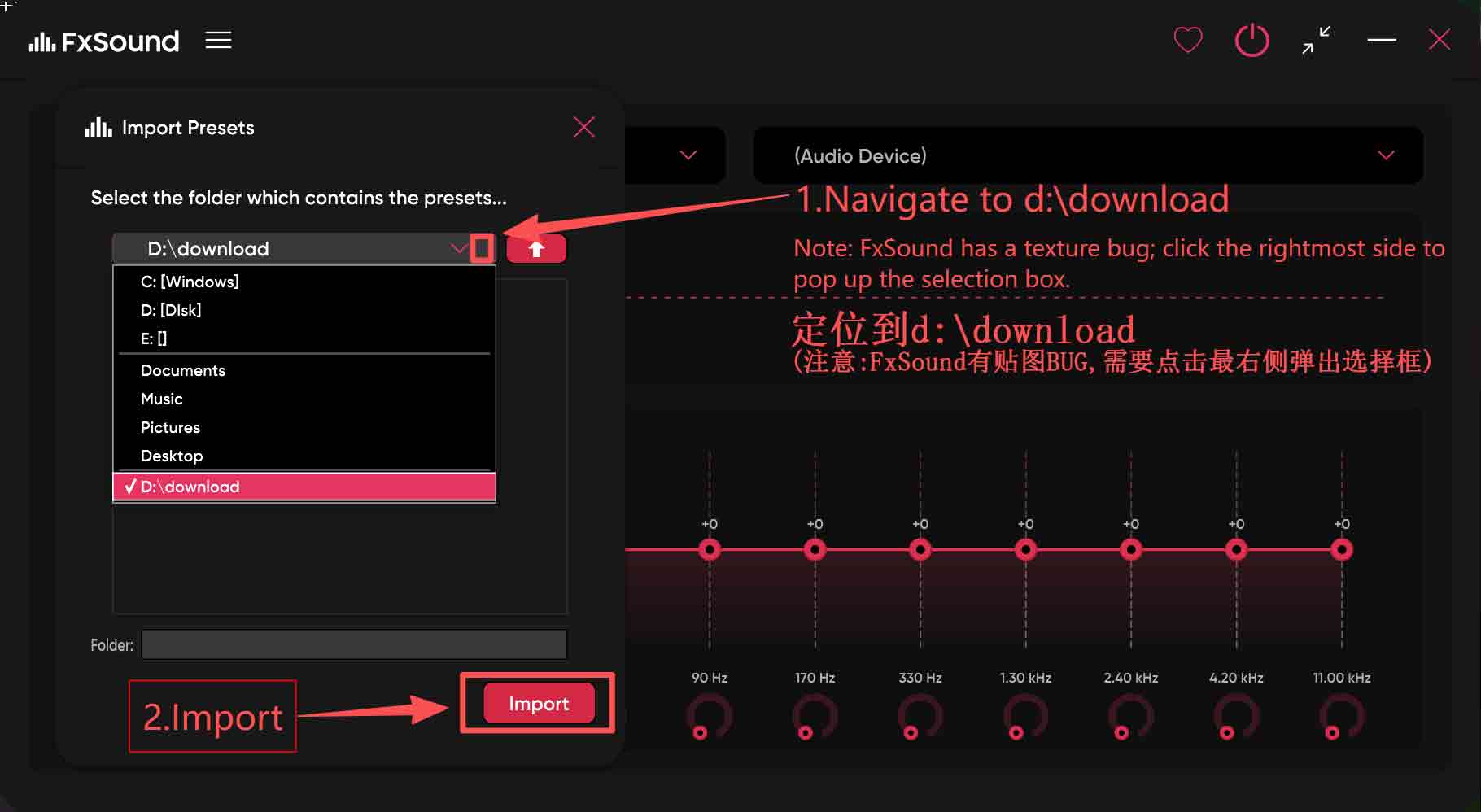
4. Go to d:/download/, select the file, then import
(Note: FxSound’s import dialog has a UI bug—you may need to click the far right of the path bar to open the file picker.)
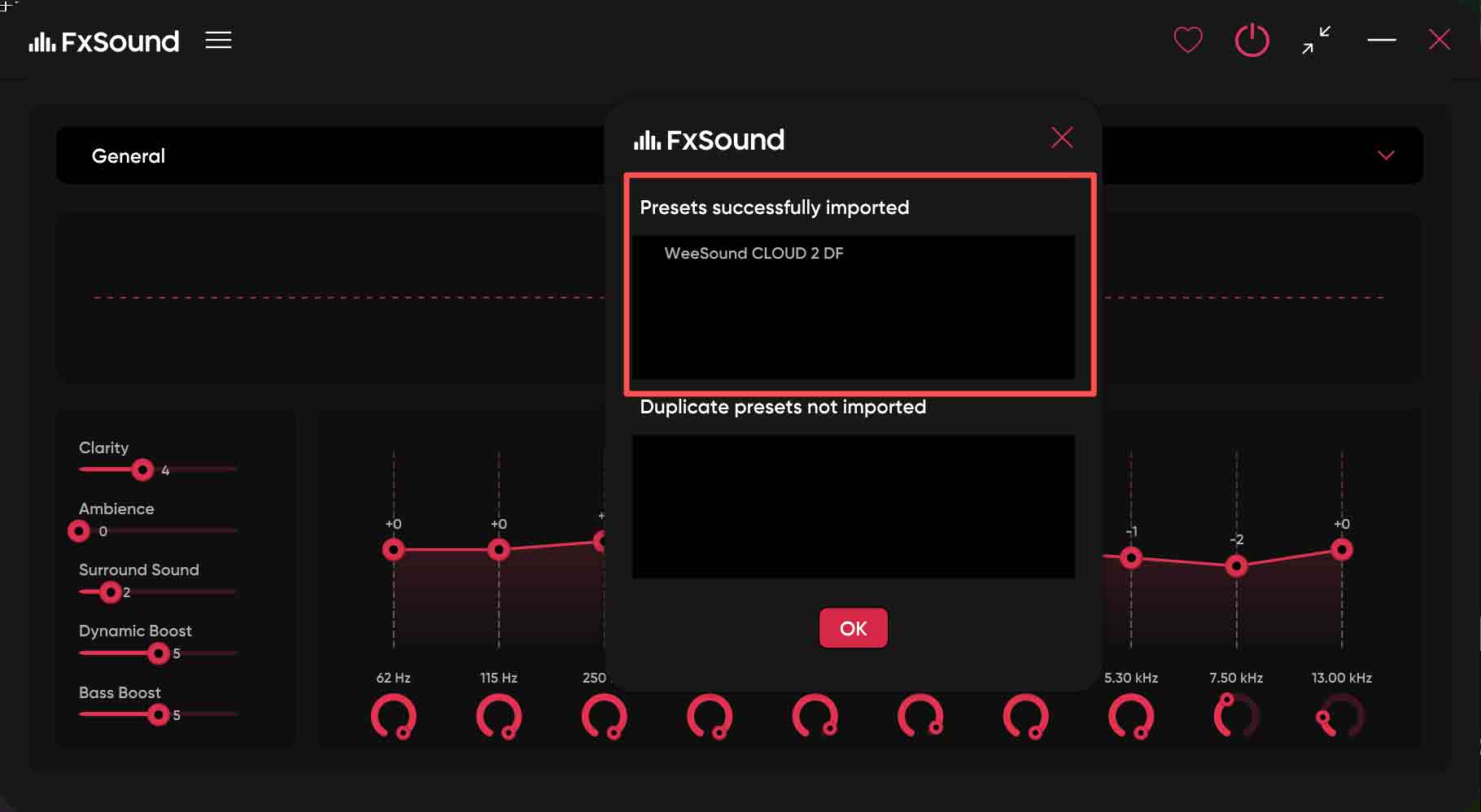
5. You should see a successful import message
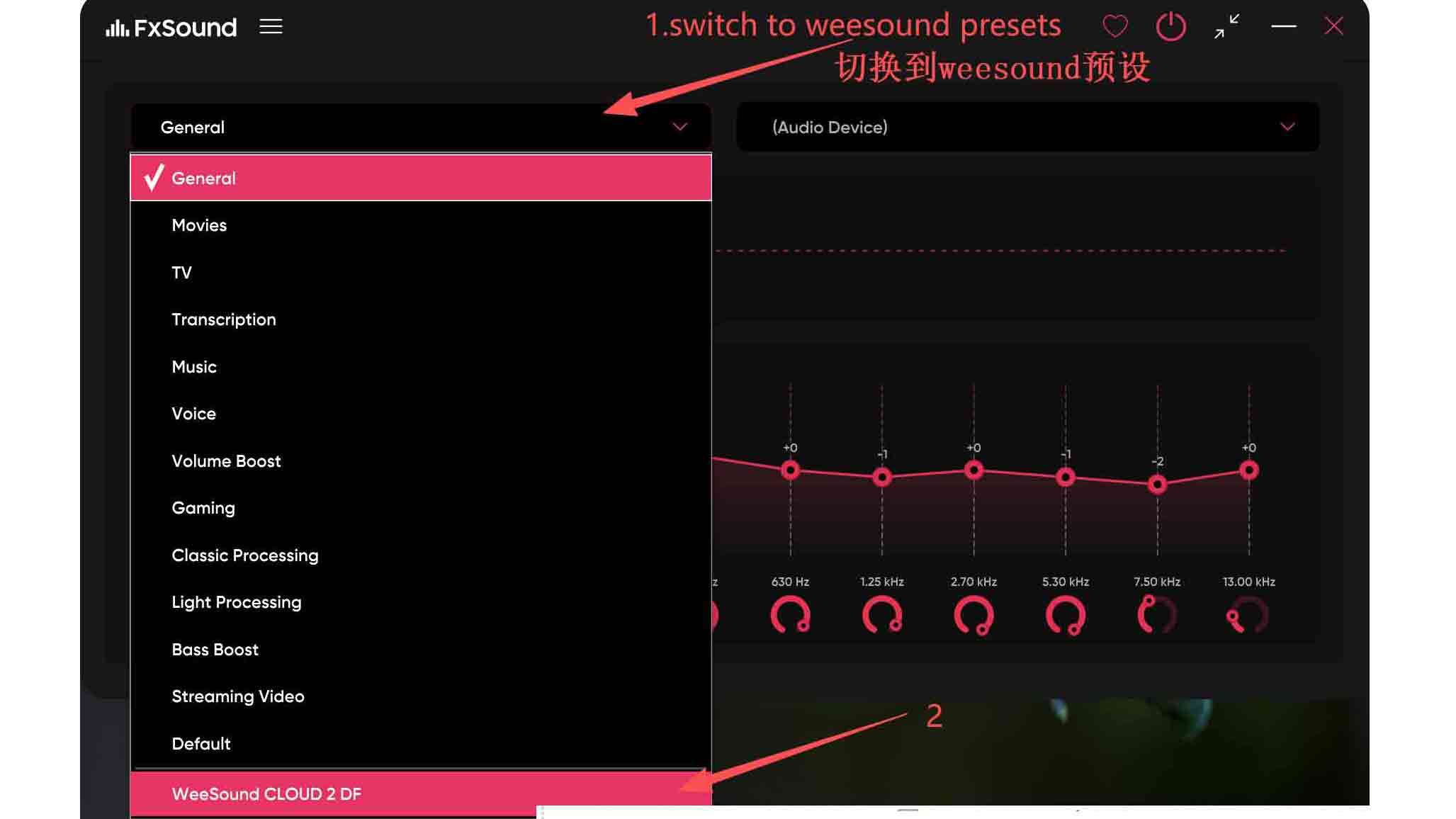
6. In FxSound, switch to the “WEESOUND game audio” preset and enjoy